Software powers everything from operating systems to work automation to web browsing. But even the most carefully developed programs can harbor vulnerabilities that attackers exploit.
A software security assessment identifies and addresses these weaknesses before they become breaches, helping teams verify reliability, meet compliance requirements, and assure customers their data is safe.
What is a software security assessment?

A software security assessment is a structured process for identifying vulnerabilities that an attacker could exploit. It ensures compliance with standards like HIPAA or GDPR by examining everything from source code to runtime behavior.
During an assessment, developers examine the fine details of software, from its static code to its execution process. They look for coding errors and loopholes that a hacker could exploit to seize or corrupt data. Testing also considers regulations that apply to the software, such as data privacy restrictions.
A software security assessment isn’t a one-time deal. Bad actors are continuously developing innovative ways to break through a program’s cyber defenses. Ongoing assessments help developers maintain compliance and keep software secure.
What is an application security assessment?

An application security assessment tests software applications for access, modification, and misuse vulnerabilities. It’s a subset, or component, of a comprehensive software security assessment.
During this type of testing, developers review an application’s code for errors that might be susceptible to manipulation or theft. They look for ways to defend the application from a cyberattack, such as authentication or encryption tools. Application security assessments require an ongoing commitment to protect software from data breaches and hacks.
The benefits of software and application security assessments

Software and application security assessments are a necessary part of the product development lifecycle. They offer several advantages.
1. Proactively mitigate security risks
Performing an assessment highlights potential vulnerabilities early, allowing you to fix them before a hacker can find them. It reduces the risk of a data breach that can cause service disruptions, data loss, or theft.
2. Ensure compliance with security regulations
Governments and certain highly regulated industries have strict rules concerning data handling and integrity. A few examples include:
- GDPR applies data privacy restrictions to software used by residents of member countries in the European Union.
- HIPAA regulates sharing and storage of personally identifiable information (PII) in healthcare settings.
- Payment Card Industry Data Security Standard (PCI DSS) sets security protocols for handling financial transactions.
Undergoing a software security assessment helps organizations maintain compliance with such regulations to avoid potential fines or legal penalties.
3. Reduce security costs
Early detection of software flaws and loopholes is often less expensive than fixing them after deployment. It can also help organizations avoid serious financial repercussions from a cyberattack. In 2025, average expenses for a data breach reached $4.4 million, which includes legal fees and fines.
4. Protect brand reputation and customer trust
Organizations and consumers are wary of using software that doesn’t follow proper security protocols. A security assessment communicates that a brand values its customers and takes precautions to safeguard them from digital threats. Ongoing security analysis further secures the brand’s commitment to online safety.
4 Types of software security assessments

Developers use several types of software security tests to identify risks and vulnerabilities.
1. Vulnerability scanning
Vulnerability scanning reviews software for known issues previously exploited by attackers. It searches for outdated software, insecure network configurations, weak authentication protocols, and missing software patches. Results from vulnerability scans are passed on to developers, who fix the underlying issues in the application.
This type of assessment is typically automated, making it very cost-effective. Organizations may use it as part of a regular testing process.
Note: Vulnerability scans only identify weaknesses — they don’t attempt to exploit them or show potential real-world impact.
2. Penetration testing
Penetration testing (or “pen testing”) simulates a real-world cyberattack to identify and exploit vulnerabilities in your software. Unlike vulnerability scanning, which only detects issues, pen testing demonstrates how an attacker could exploit them and the potential damage that could occur.
Pen testing can uncover:
- Weak authentication and access controls.
- Insecure APIs or integrations.
- Misconfigured servers or databases.
- Flaws in encryption or data handling.
It’s typically performed by ethical hackers (often called “white hats”) who use the same tools and tactics as malicious actors, but in a controlled, authorized environment. This hands-on approach gives security teams actionable insights into risk exposure and remediation priorities.
Common pen test approaches:
- Black-box: The tester has no prior knowledge of the software or its environment, simulating an external attacker’s perspective. This approach is thorough but can take more time to uncover deeper vulnerabilities.
- Grey-box: The tester has partial knowledge, such as architecture diagrams or limited credentials. This strikes a balance between realism and efficiency.
- White-box: The tester has full access to code, architecture, and documentation. This is faster and more comprehensive for known attack surfaces but may miss vulnerabilities that only appear from an external viewpoint.
Penetration testing is often conducted after significant updates, before a product launch, or on a recurring schedule (e.g., annually or quarterly) to ensure that new features or changes haven’t introduced new security risks.
3. Risk assessment
A risk assessment looks at the different hazards that software may be susceptible to, such as a denial of service (DOS) attack or malware. It determines the likelihood and potential impact if the event were to happen. Organizations can use the results to fine-tune application security and limit risks.
4. Security audits
A security audit reviews an application’s security protocols, including its design and architecture. It starts with a defined scope that usually includes benchmarks set by specific regulations such as HIPAA or PCI DSS. Elements that fail to meet industry standards or compliance regulations are identified and shared with the development team and other stakeholders.
The results from a security audit include suggested fixes for flaws and application weaknesses. Organizations can use the results to strengthen the software’s safeguards so that it meets compliance requirements.
6 Types of application security assessments

To evaluate applications, testers use multiple types of security tests that identify weaknesses.
1. Static Application Security Testing (SAST)
A static application security test, or SAST assessment, reviews an application’s source code from end to end, without executing any of its elements. Testers examine each line of code, including its underlying binary code, for vulnerabilities and coding errors. The availability of the entire codebase allows testers to understand its full logic and structure rather than viewing small snippets.
SAST can be performed with automated tools, manually, or a combination of both. Automated tools are useful for scanning the database for obvious code errors. They can also detect patterns common in SQL injection or cross-site scripting.
Organizations typically deploy SAST in the development cycle. It can catch early bugs and assist with meeting industry standards and regulations. However, it’s not a perfect solution—SAST may overlook vulnerabilities and misclassify accurate, logical code.
2. Dynamic Application Security Testing (DAST)
Like its name, DAST assessments look at an application dynamically. Testers use the program like a consumer would, examining it for flaws that an attacker could leverage.
DAST is useful for identifying authentication errors and input validation mistakes. Testers may also find configuration or runtime problems that affect the application’s usability. As part of the DAST assessment, evaluators may deploy a simulated cyberattack to see how well the program stands up against various types of threats.
DAST is usually conducted manually with the assistance of tools. For example, testers may deploy session handling tools to test an application’s authentication process with hypothetical scenarios. Scripting tools are used during cyberattack simulations.
Organizations may use DAST as part of the penetration testing process. It’s also quite common for security audits.
3. Interactive Application Security Testing (IAST)
IAST is a hybrid of DAST and SAST. It reviews applications from a static and dynamic perspective, which offers a more comprehensive view than using either test independently. Organizations may implement it as part of the development process, which can help catch early vulnerabilities before they become an expensive (and time-consuming) fix.
Because of its comprehensive approach, IAST generally offers better accuracy than DAST or SAST. However, IAST can be expensive and complex to set up for small developers. Some automated IAST tools lack support for less common programming languages.
4. Mobile Application Security Testing (MAST)
Mobile app developers rely on MAST to review an application’s security and meet compliance requirements set by app stores. It combines elements of SAST and DAST, such as static and dynamic code analysis, with behavioral testing. During coding analysis, testers look for vulnerabilities related to access controls, data storage, and network communication.
Behavioral testing performed in MAST examines an application’s data handling and permissions protocols. This is critical for apps that are subject to stringent data privacy regulations such as HIPAA and GDPR.
MAST is essential for any organization that produces mobile apps. However, tools can be complex to use. Any testing performed after deploying the app into production may affect its performance.
5. Software Composition Analysis (SCA)
Software composition analysis, or SCA, evaluates the third-party and open-source components integrated into an application. It identifies potential legal risks and liabilities that stem from using those elements. Since many applications rely on third-party or open source elements as part of their infrastructure, it can help organizations mitigate security risks.
An SCA begins with a full system scan to identify third-party elements. Testers create an inventory of each element and may check the licensing requirements for each to avoid potential legal penalties. Other parts of an SCA include vulnerability scanning and risk assessment.
6. Runtime Application Self-Protection (RASP)
RASP systematically blocks cyber threats while a program is in use. It’s deployed with an application and supplements it in production. RASP tools are constantly on the lookout for any sign of a malicious threat. They operate in real time and notify organizations immediately after detecting one.
RASP tools are common in web applications and APIs. They can detect SQL injections, cross-site request forgery, and unauthorized access attempts. However, RASP can reduce an application’s performance and may not be effective against network or infrastructure threats.
How to perform software and application security assessments

An effective security assessment follows a clear, repeatable process.
Define the assessment scope
Start with asset identification—determine the applications or software to be tested, along with their relevant components. Because assets may span multiple platforms and systems, document how each one fits into the overall environment. If the system collects or stores sensitive data, make sure that’s explicitly noted in the scope.

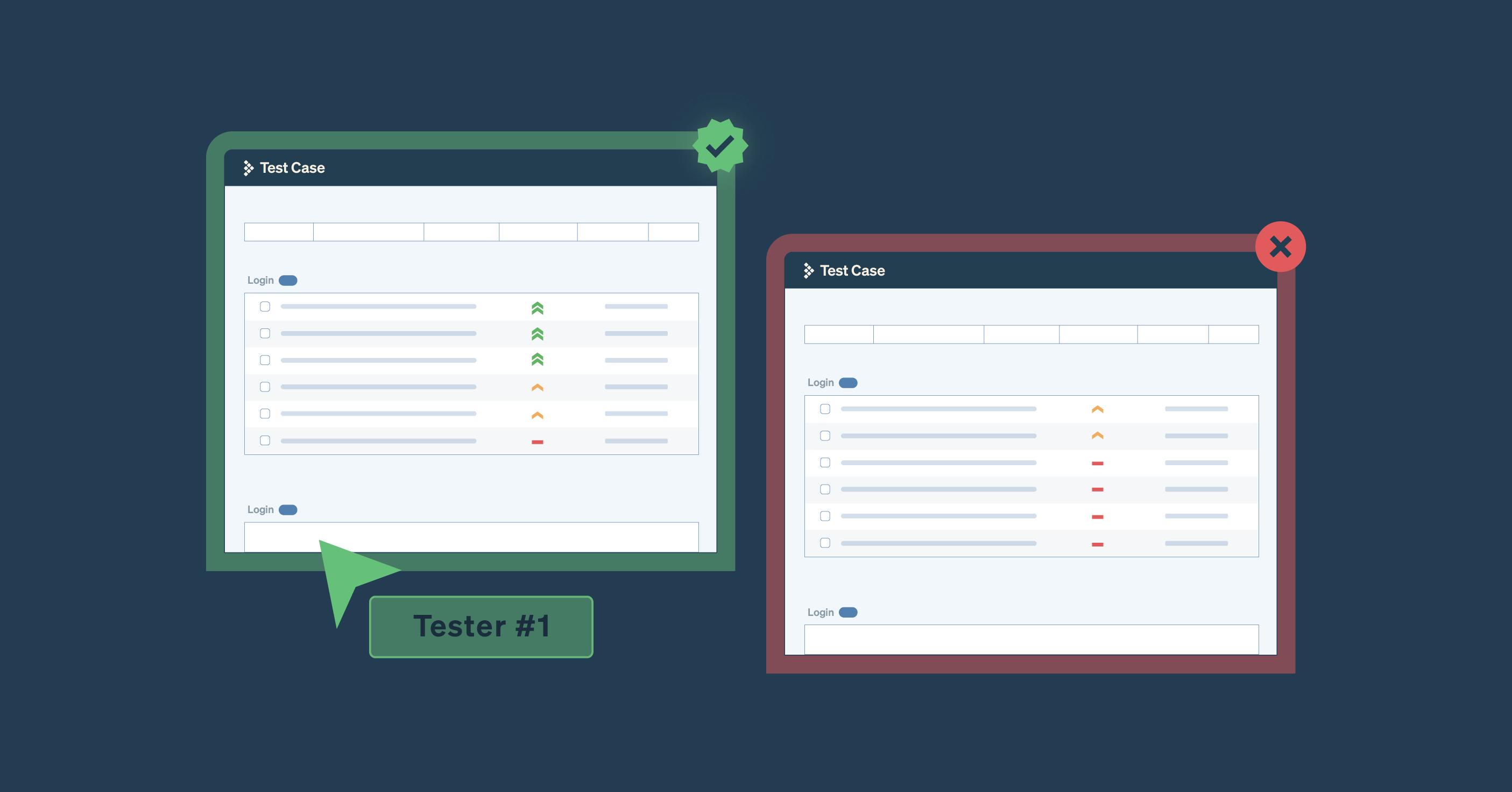
Image: Effortlessly manage everything from individual test runs to establishing a test case approval process and organize your TestRail test case repository based on priority.
Using a tool like TestRail, you can map this scope directly into a test plan, listing each asset alongside its planned tests. Milestones let you track deadlines and progress in one place, helping teams stay aligned throughout the assessment.

Image: Manage all your milestones and ongoing test projects in TestRail.
Identify security risks
Consider the software’s most vulnerable points that could be exploited by attackers. Examples include integrations, third-party service components, and external-facing elements. Open-source code and artificial intelligence (AI) tools can also introduce potential attack vectors.
Document the security and compliance risks associated with each vulnerability, then prioritize them by severity. Focus testing on the highest-priority items first, working down to lower-risk issues as resources allow. Grouping risks by threat level and assigning clear priorities helps teams stay focused on the most critical concerns.
Test for vulnerabilities
Evaluate the software’s architecture and codebase using a mix of automated and manual testing methods such as SAST, DAST, and penetration testing.
- SAST scans the source code to uncover security flaws before the application runs.
- DAST and penetration testing simulate real-world attack scenarios to assess how well the application withstands intrusion attempts.
Together, these tests measure the effectiveness of existing security controls and highlight areas that require improvement.
TestRail’s straightforward UI lets organizations track test execution, record outcomes, and monitor progress in real-time. It eliminates the need for confusing spreadsheets and back-and-forth messaging, providing a central repository accessible to all stakeholders.
Review and recommend improvements
Translate test results into a clear, actionable report that outlines key findings and recommended fixes. Include any inconsistencies uncovered during dynamic testing, as these can help developers resolve bugs that impact both security and user experience.
Ensure developers understand the root causes of each vulnerability by providing detailed documentation, code references, and architectural context. This not only supports immediate remediation but also strengthens long-term secure coding practices.
Leverage reporting and analytics capabilities within your testing platform to trace vulnerabilities back to requirements, identify recurring patterns, and share concise, data-driven insights with stakeholders.

Image: TestRail requirements traceability reports show all test cases that have one or multiple linked requirements (references field).
Deploy and continuously monitor security
Software security is an ongoing process, even after deployment. Implement a system of continuous monitoring to isolate security incidents and deflect them when they occur, and update the software regularly to fix identified flaws and introduce new security features. These processes keep the application compliant with regulations and minimize the risk of a breach.
Keep your software and applications secure with TestRail

A software security assessment confirms that a program follows development best practices, meets regulatory requirements, and addresses vulnerabilities before attackers can exploit them. Regular testing helps maintain security as threats evolve.
Centralizing your assessment process in a single platform makes it easier to map vulnerabilities, prioritize testing, and track results over time. See how a streamlined approach can strengthen your security program—start your free 30-day trial today.
About the author
Chris Faraglia is a Solution Architect and testing advocate at TestRail with more than 15 years of experience in enterprise software development, integration, and testing. His background spans regulated industries such as nuclear power generation and healthcare IT. Chris’s areas of interest include test management and quality assurance, test data management, and automation integrations.