
QA Management Software for Your Testing Team
✓ Organize reusable test cases in a central repository
✓ Plan test runs around releases, milestones, and environments
✓ Track manual and automated test results together
✓ Share testing progress and coverage with stakeholders










What should you look for in a QA management tool?
A QA management tool helps your team coordinate testing across people, projects, and releases. It should make daily test work easier while giving QA leads enough context to identify gaps and communicate release readiness.
When comparing QA management tools, look for:
-
A structured test repository: Organize cases by component, priority, test type, or other fields that reflect how your team works.
-
Flexible planning and execution: Build test runs and plans for different releases, environments, and testing approaches, with clear ownership.
-
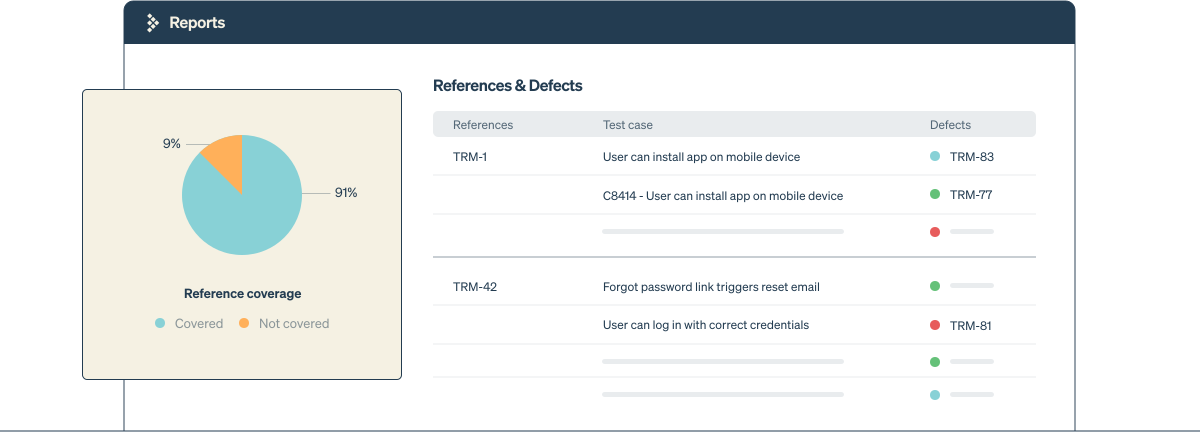
Traceability and coverage: Connect tests to requirements and defects so you can investigate failures and see where more testing is needed.
-
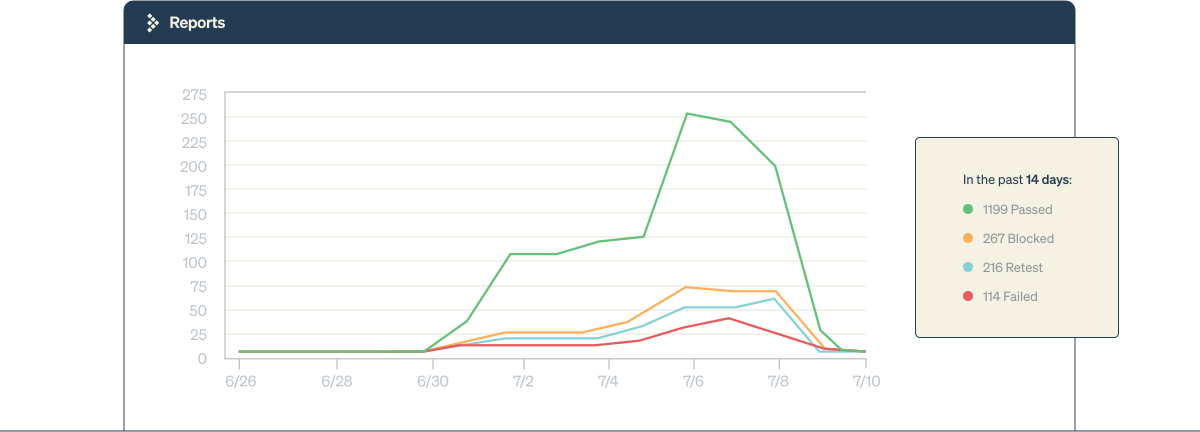
Useful reporting: Review progress, failures, and historical results without compiling status updates from separate spreadsheets.
-
Connections to your existing workflow: Bring results and context from automation frameworks, CI/CD pipelines, and issue trackers into your testing process.
Manage QA from test planning to release reporting
Organize test cases around your application
Build a central repository of reusable test cases, then group them into folders and suites that reflect your product. Use templates and custom fields to capture the steps, expected results, priorities, and context testers need to execute consistently.
Plan test cycles with clear scope and ownership
Create test runs and plans for each release or milestone. Assign work to team members and organize execution across configurations so everyone can see what is in scope and where testing stands.
Capture results your team can act on
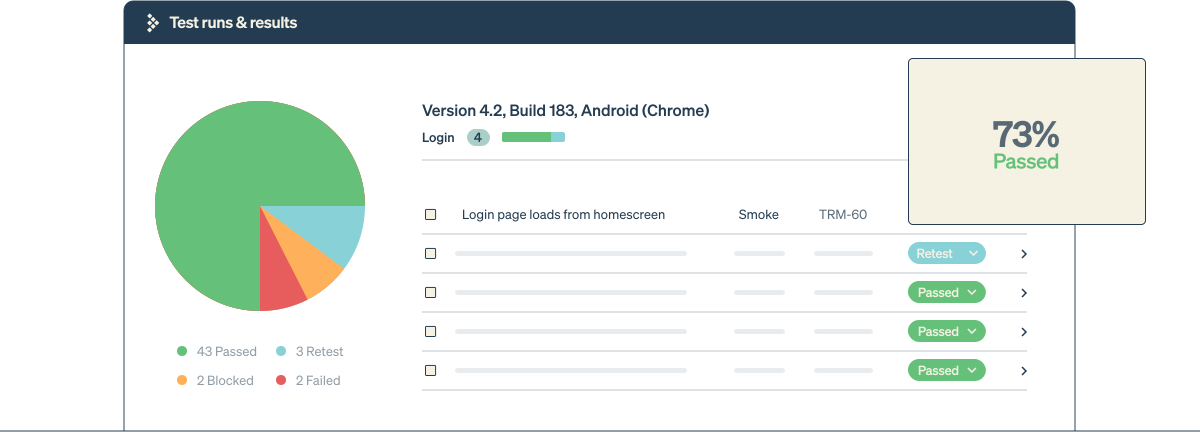
Record test outcomes with notes, screenshots, and attachments. Review the history of a test case when investigating a failure, and connect results to defects so developers can follow up with the relevant testing context.
Review manual and automated testing together
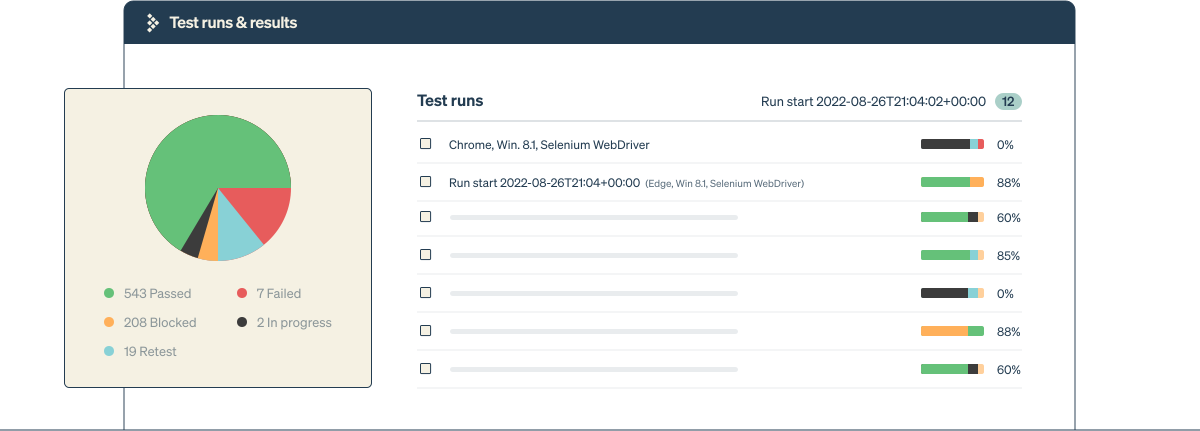
Bring automated results into TestRail alongside manual test execution. A shared view helps your team understand overall testing progress and identify work that still needs attention, even when results come from different tools.
Report on progress, coverage, and outstanding risks
Use dashboards and reports to review test outcomes, execution progress, and coverage. Share that context with development, product, and business stakeholders so release discussions are grounded in the work completed and the gaps that remain.
Keep requirements, tests, and defects connected
A test result is more useful when your team can see what it validates and which issues it uncovered. Link requirements and issues to testing activity to support traceability from planned coverage through execution and defect follow-up.
For example, a QA lead preparing a release can review tests associated with a requirement, check their latest outcomes, and follow linked defects to understand what still needs investigation. This makes it easier to explain the testing status behind a release decision.
Fit QA management into your existing workflow
Keep the tools your team uses to develop software and run automated tests. TestRail provides a central place to organize testing and review results across those workflows.
-
Issue tracking: Connect testing activity with tools such as Jira and GitHub Issues.
-
Test automation: Bring in results from frameworks such as Selenium, Playwright, and Cypress.
-
CI/CD: Send automated results from workflows running in tools such as Jenkins and GitHub Actions.
Explore TestRail integrations to find the right connection for your team.
Choose QA management software around your team’s needs
Start with the testing decisions your team needs to make. If results are scattered, prioritize a shared repository and consistent reporting. If releases span multiple environments, look for flexible planning and execution. If requirements and defects are difficult to follow, make traceability part of your evaluation.
Use a representative project to evaluate your workflow: organize its test cases, plan a run, capture results, and share a status report. This gives your team a practical way to assess how a QA management tool supports its day-to-day work.
TestRail is the leading test management solution
Orchestrate your entire QA process with ease
Join over 10,000 QA teams using TestRail to release flawless products, faster
Deep integrations mean deeper insights
Leverage TestRail's built-in integrations and extensive API to create your ideal testing tool stack


Beyond the product

Free Ebook: The QA Lead's Guide to Agile Testing
This guide provides actionable and impactful agile testing takeaways that you can introduce now, as well as a "Crawl/Walk/Run" framework to help your team get onboarded and start seeing results.

The First Edition Sembi Software Quality Pulse Report
This groundbreaking report compiles insights from nearly 4,000 software quality and security professionals to bring you the most honest, illuminating, and action-driven snapshot of the state of the industry yet. The findings include:
- The real-world impact of AI on software quality
- How teams are aligning quality and security
- The biggest 2026 priorities and challenges
- And much more
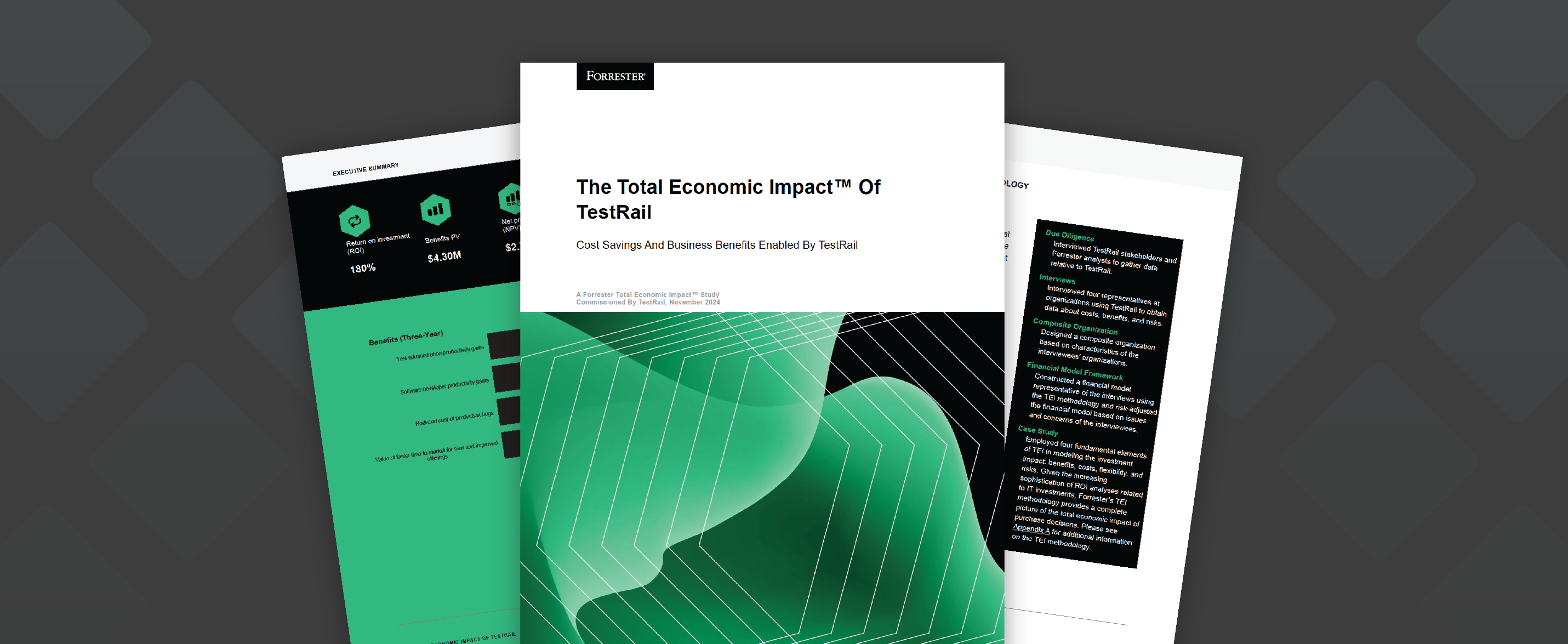
Forrester TEI Study: 204% ROI with TestRail
Read the TestRail Total Economic Impact™ (TEI) study to learn how real customers accelerate software testing while driving significant cost savings, including:
- 204% ROI over three years
- $3.34M in benefits over three years
- 14-month payback period
Download the full report for more on how TestRail can help your team see results.