TestRail Website Relaunch

TR-Website-Release-V3-1

It’s been months in the works – and now it’s finally here: the completely re-designed TestRail website, with a beautiful new design and easier navigation.

What changed?

It’s more than just a visual refresh: we’ve rebuilt the entire TestRail website from the ground up.

On mobile, you’ll find that the website is now fully responsive to your device’s screen size and orientation. This means that you’ll have a great experience whether you choose to visit our website from your desktop, tablet, or phone.

We’ve reorganized site navigation features to help you find the content you need. For example, so that new users can easily find our video training course, we’ve added a link to it from our new Product menu called “Getting Started,” as shown below. To make room at the top of the page, we’ve moved several menu options to the bottom, such as the About Us, Legal, and Terms pages.
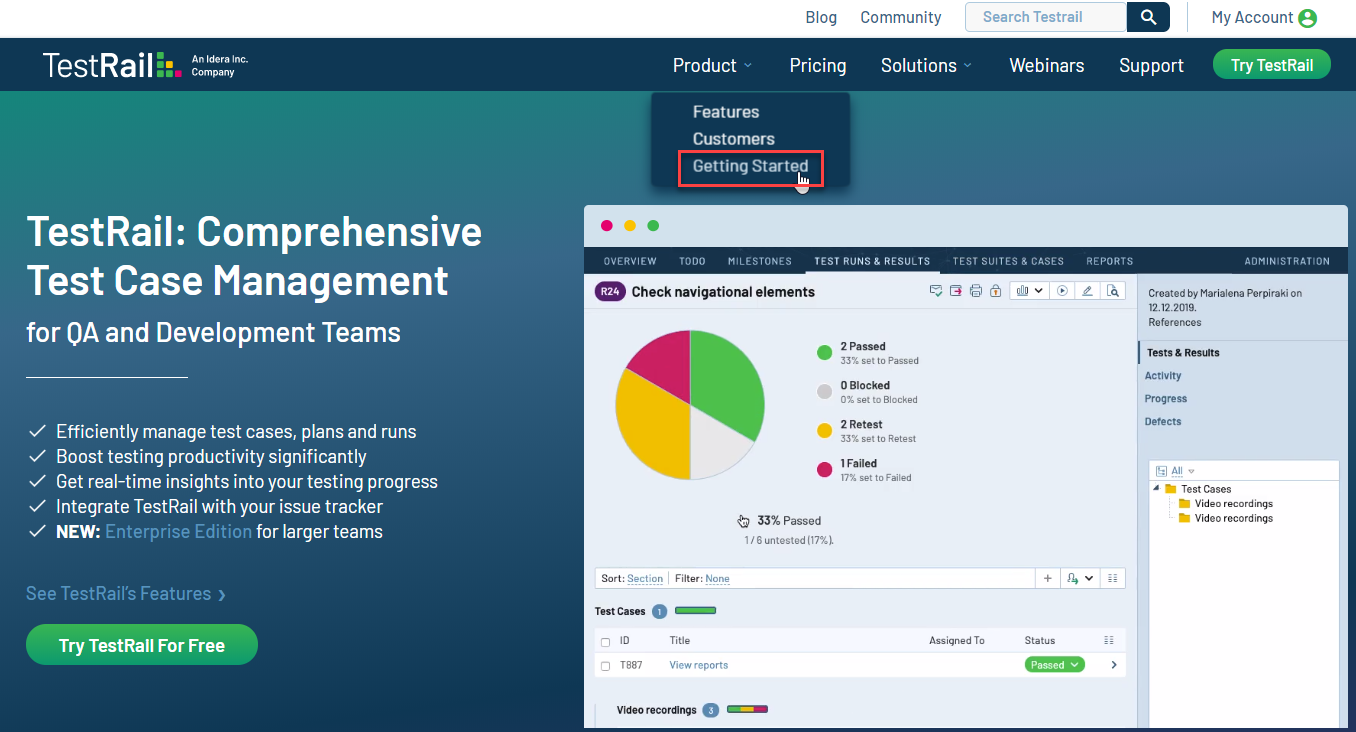
TestRail Main Menu Navigation


Updated Video Training Course

We’ve also updated the video training course, bringing it current for TestRail release 6.2. If you’re new to TestRail, watching the video training course is a great way to get productive quickly.
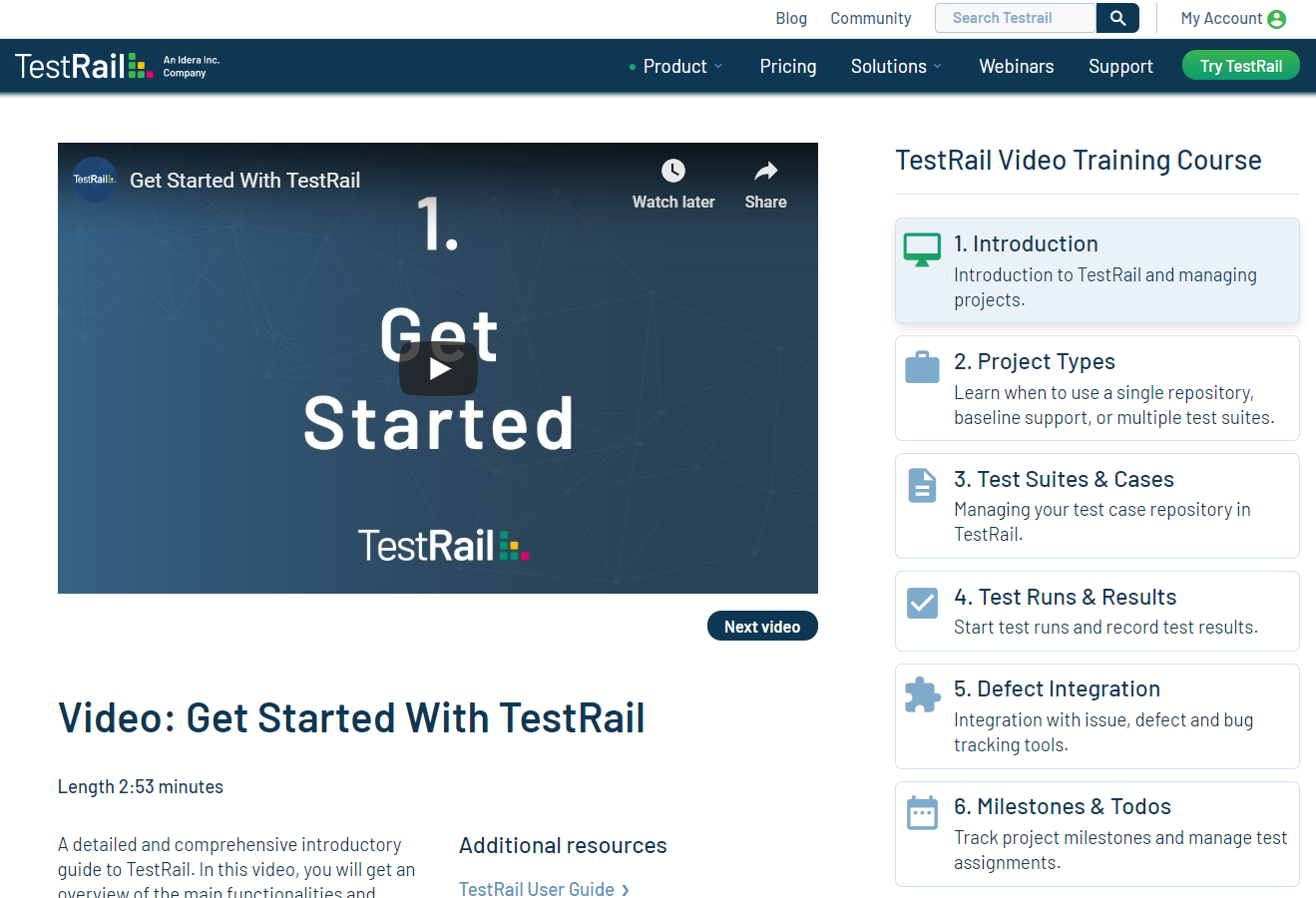
TestRail Video Training Course


Updated Support page and Search

On our Support page, the search box has been removed, and replaced with a full-site search that you’ll find in the top menu bar:
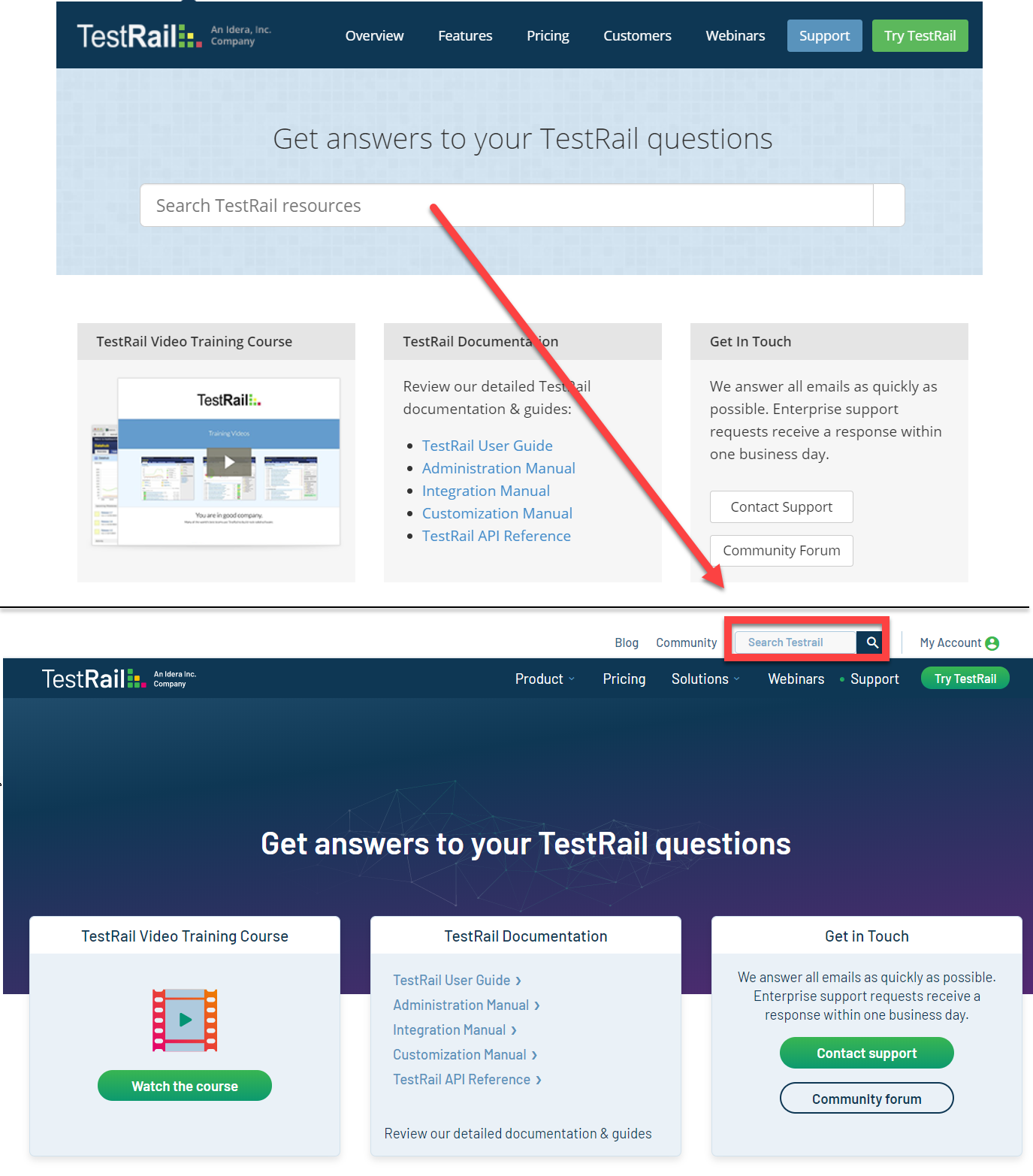
TestRail Search Box


We hope you enjoy using the new TestRail website! And we’d love to hear from you about it: just leave some feedback for us in the comments section below.

Modern Test Case Management Software for QA and Development Teams

In This Article:

Try a 30-day trial of TestRail today!

Share this article

Other Blogs

TestRail Product Demo What to Ask Before Choosing a Test Management Tool
TestRail, Webinar

TestRail Product Demo: What to Ask Before Choosing a Test Management Tool

Teams evaluating test management tools often come to a product demo with the same core questions: This guide summarizes common questions teams ask during a TestRail product demo and explains what to look for as you evaluate whether TestRail fits your QA proces...
How to create a QA report template (with template)
Software Quality, TestRail

How to create a QA report template (with template) 

Reporting is critical to the software quality assurance (QA) process. Teams use QA reports to share their findings after the testing process. These reports describe the tests performed, identify defects, and provide actionable insights to improve software qual...
Jenkins Test Case Management Wiring Your Pipeline to TestRail Without Rebuilding It
Software Quality, Integrations, TestRail

Jenkins Test Case Management: Wiring Your Pipeline to TestRail Without Rebuilding It

A green Jenkins build tells you whether the suite passed.  But what it doesn’t tell you is which 12 cases ran, which one flaked yesterday and passed today, or how this build’s coverage compares to last week’s. For most QA teams, that informati...